
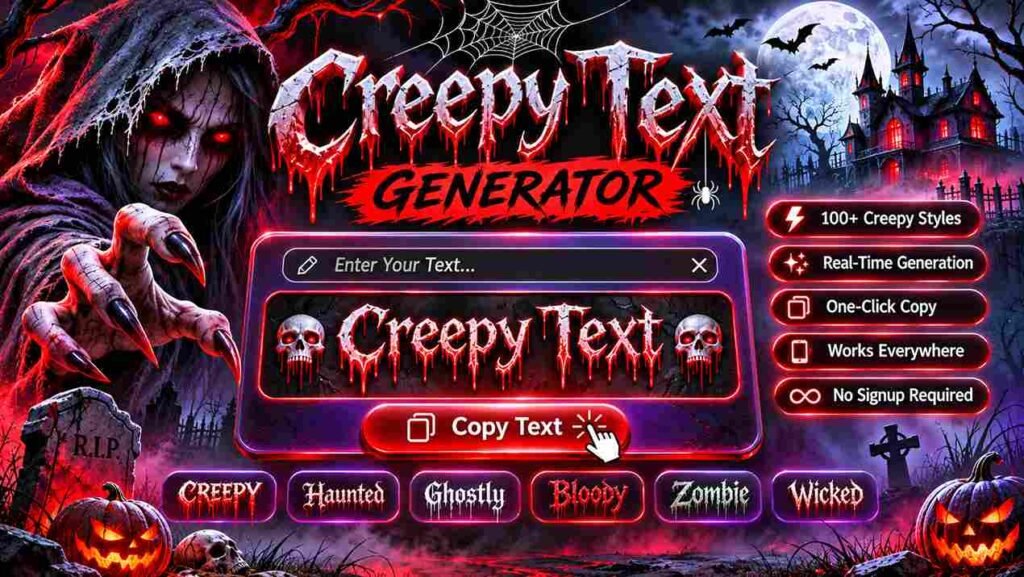

Most creepy lettering begins with a base character typed into a text field; carefully placed marks then suggest a ghostly presence without turning every message into unreadable noise on a phone, profile, or poster design.
Some makers prefer Whispered Fonts for restrained unease, while Shadowy Fonts create a heavier visual mood; the best choice depends on placement, audience, and how quickly readers should recognize the message before scrolling past it.
Table of Contents
What Is A Creepy Text Generator?
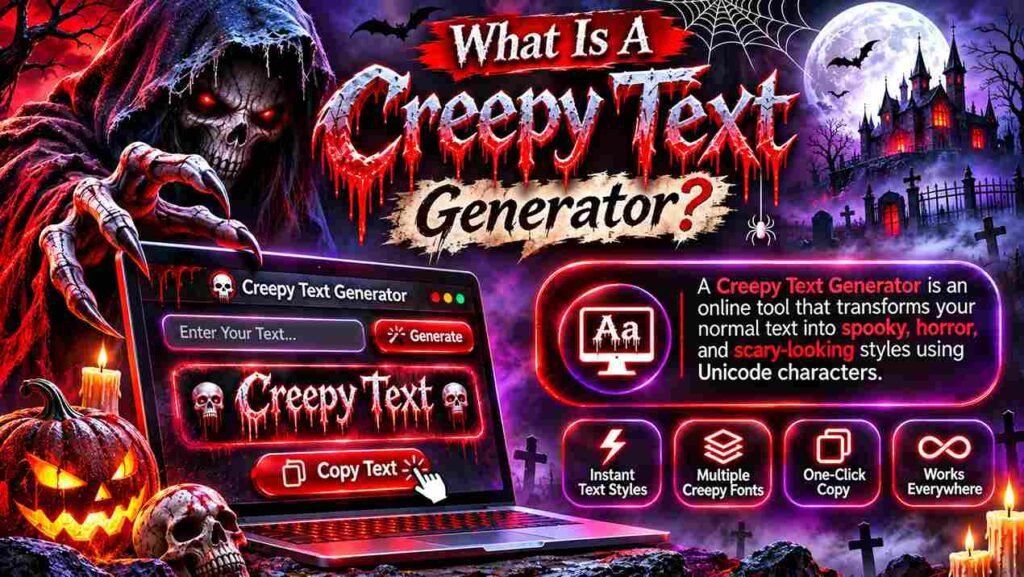
A Creepy Text Generator turns plain writing into scary-looking text through Unicode characters and distorted variants, giving ordinary messages a darker visual tone with no special installation needed for quick sharing across everyday online spaces.
Unlike installed typefaces, it may combine blackletter alphabets, gothic alphabets, or combining marks to produce stacked details; preview the result carefully, because density can affect readability across profiles, chats, and devices before copying or posting.
How To Use The Creepy Text Generator
Enter your text, choose a distortion level, and inspect each result side by side before deciding. Use one click to copy the verified string, then keep the source nearby for comparison during a final check.
Paste the output into a plain text editor and check whether its marks survived; avoid assuming every app renders it identically. A clipboard copy can still change appearance when a font dependency differs across devices.
Where To Use Creepy Text
Use creepy text in social media posts when a profile needs to stand out, especially for short announcements, themed usernames, or a page; the effect works best when the words stay understandable at a glance.
For horror projects, pair creepy fonts with gaming chat names, haunted house flyers, or horror stories; try typography in online art when a design needs an unsettling mood without turning every line into unreadable decoration.
Social Media Posts & Bios
Creators can shape social content around eerie captions and horror-themed bios, giving profile visitors an immediate signal without making every line difficult to read. Keep names concise for audiences browsing quickly on phones while scrolling.
Choose glitch typography for short announcements, then reuse the same visual mood in channel art or event promotions. Consistent themed typography helps posts stand out while preserving a readable message on related profiles as well.
Gaming Usernames & Chat Messages
Gaming profiles can feel more memorable when cursed display names pair with dark wording, but test each result in Free Fire, PUBG Mobile, BGMI, or Roblox before choosing a permanent identity for your next match.
In chat messages, use glitched text sparingly: excessive combining mark layers may exceed character limits, reduce readability, or get stripped. Keep a clean backup, then REROLL until teammates can recognize your callouts during live matches.
Halloween & Horror-Themed Content
Build party-friendly styles for October campaigns, then place them on invitations, profile graphics, and announcements. Themed usernames can hint at ghost stories without making essential event details difficult to read during fast-scrolling seasonal social feeds.
Add design software mockups to judge mark placements, especially when a layout uses text rather than image. Keep dates, locations, and safety notes plain, while ornate lettering supplies a sinister atmosphere for each event campaign.
Pranks & Mysterious Messages
A convincing prank rarely needs complicated effects; a brief mysterious note, eerie wording, and a timed reveal can create suspense without alarming anyone. Try spooky captions or horror-themed messages among friends who enjoy playful surprises.
For a game lobby, chilling messages and a unique username can hint at a fictional mystery; keep the joke friendly, avoid impersonation, and reveal the setup quickly if someone seems uncomfortable rather than escalating tension.
Online Art
Online art gains atmosphere when creators combine custom lettering, smoke, scratches, and digital noise. These layers suggest a disquieting scene while preserving clarity; restraint helps the design stay scan-friendly even at thumbnail size on phones.
For a stronger piece, add shadows and cinematic backgrounds, then preview everything as one image before publishing. Check contrast, spacing, and cropping at the intended size; visual polish matters more than piling on details alone.
For Instagram
For Instagram, cursed text can give a caption or bio a spooky vibe without changing the message itself. Choose subtle distortion for everyday posts, reserving heavier effects for Halloween stories and horror-themed reels that suit your audience.
On TikTok and Twitter, test the copied result before publishing: unusual characters may display differently across devices, while a shorter caption keeps the eerie effect clear, preserves context, and attracts attention without overwhelming readers online.
For Discord
A creepy Discord style can rely on Unicode rather than installed fonts. Start with light distortion for server labels, then test medium intensity on a short announcement before copying it into active chats with friends.
For a Discord server name, blackletter may suit a horror community, but heavy combining marks can create clutter or show as empty boxes on some devices. Keep key rules in plain text for clarity everywhere.
For Gaming
In Roblox, Minecraft, and Fortnite, test creepy names before committing; some games reject unusual symbols or trim stacked marks. A readable horror-inspired username can feel unsettling without obscuring your identity during fast matches and chat.
On Twitch, pair a short unsettling label with team callouts; exaggerated symbols may look impressive in a lobby but become confusing in combat. Compare lighter and stronger versions, then choose what teammates can identify instantly.
Also Read: Tattoo Font Generator – Free Tattoo Lettering Style
Why Do Some Fonts Show As Boxes?
Some creepy symbols display as empty boxes when a device font does not contain the required glyph. Unicode can identify a symbol correctly, yet the phone or app may lack artwork needed to render it.
The quickest fix is trying a widely supported style, reducing stacked marks, or opening the text on a newer device. If only one app fails, its renderer may be the limitation rather than Unicode itself.
Where It Works And Where It Breaks
Creepy text usually survives where apps accept character-substitution styles and ordinary Unicode, but app limits can alter its appearance; long combinations may be clipped, especially when a username field restricts character ranges or length overall.
In practice, substitution styles may pass in short chats yet fail across clients; unsupported symbols can appear as missing characters, while heavy overflow disrupts nearby lines, so test a clean copy before publishing across platforms.
Platform Compatibility Guide
Before posting, test creepy text across Discord, Instagram, Roblox, and gaming clients; older Android fonts may render stacked marks as boxes, while desktop and mobile versions sometimes display the same Unicode sequence differently across systems.
For character count limits, choose light intensity, keep a plain version available, and check screen readers; ornate styles may fail in a rename field or reduce readability for users on certain platforms with assistive technology.
Creepy Text For Roblox
Roblox players can give profiles a Roblox game horror identity, then test each result in menus before saving it. Try one brief version first; crowded characters may behave differently across gaming chats and profile fields.
Before choosing a dramatic style, check the display-name field and length limits Roblox applies to your account. Keep a plain backup, because unsupported symbols can disappear or render as boxes on certain devices and platforms.
Keep The Message Readable
Reserve creepy styling for short phrases, and keep essential instructions in plain wording. Heavy marks can crowd letters, disrupt line spacing, and make the message harder to scan on small screens without careful rereading later.
Test contact details and long passages without decorative effects; for profiles, try one subtle accent, then check the result on another device. If symbols obscure meaning, reduce intensity or return to standard letters before sharing.
Creates A Spooky Aesthetic
A creepy text generator shapes a spooky aesthetic through text twisting, distressed texture, and placed marks; the goal is not maximum distortion, but a visual mood that signals quiet suspense before readers process the message.
Try creepy designs for a profile, invitation, or game label, then compare lighter marks with heavier ones. Strong visual concepts feel more convincing when every line supports one unsettling mood without sacrificing clarity for readers.
Perfect For Horror-Themed Projects
For horror-themed projects, a creepy text style can establish an unsettling vibe before a viewer reads the details. Choose a quick, effective treatment when the design needs atmosphere without distracting from its message or title.
Pair attention-grabbing posts with an otherworldly vibe, especially when designing seasonal scenes, fictional warnings, or title cards. Keep the lettering readable enough that the visual mood supports the story instead of obscuring it for viewers.
Copy-And-Paste Compatibility
Copy and paste compatibility depends on whether a platform supports the glyphs in this output. Pure Unicode usually travels without a font file, but display varies between clients, devices, and system fonts on many phones.
Before sharing a selected result, test it in the target app. Heavy marks may shift line height, exceed character limit, or appear as empty boxes. Keep a clean version nearby if display fails again later.
No Special Fonts Or Downloads Needed
Because the output is generated text, the tool can create unusual lettering in your browser, letting you paste the result into supported platforms without adding any package or app to the device you already use.
Compatibility depends on the destination app; test a short sample before using unusual symbols in a profile, since marks may display differently or become difficult to read on another screen without altering the source itself.
Makes Your Messages Stand Out
Even a short greeting can feel unsettling when sharp substitutions interrupt familiar letters. A design with floating accents and menacing marks helps ordinary messages catch attention without relying on images or elaborate formatting or color.
For playful scares, use horror captions or short social posts, then copy several versions and compare readability. The strongest result feels surprising at first glance while leaving the message understandable on most devices without confusion.
Why Use Our Creepy Text Generator?
Our creepy font generator turns ordinary messages into distorted text with an eerie edge, giving usernames, captions, and creative projects a darker identity without installing special software or changing your original message on your device.
Choose a scary text generator approach for profiles, party designs, or jokes; adjust the effect until it feels unsettling yet readable, then copy-paste the result as pure text, ready to share across your favorite platforms.
Why Use Unicode Creepy Text Generator?
An easy-to-use Unicode tool can make an ordinary profile feel unsettling without complicated editing; experiment with different letter treatments when your online presence needs a darker identity across seasonal posts, creative projects, and profiles alike.
Try the output in a draft before publishing, especially when building unique usernames for communities or games; subtle character choices can communicate a mysterious tone while keeping the wording recognizable to people reading it clearly.
Create More Than A Standard Font
Create more than a standard font by combining glitched-out characters with supernatural interference and deliberate mark placements. This approach gives a familiar phrase an unsettling identity while keeping its original meaning recognizable across creative projects.
Instead of relying on decoration alone, test horror projects with styled letters and a restrained approach. Adjust the treatment for each platform because excessive marks can reduce clarity and make names harder to read online.
Control The Horror Style With A Prompt
Start with the exact words you want displayed, then name a font style and describe whether the result should appear soft, sharp, or elaborate for your particular creative purpose and intended audience on each platform.
For stronger results, describe texture, background, and aspect ratio, too. Mention the intended placement and adjust the mood until the final lettering matches your project’s atmosphere across different screens before copying or sharing your result.
Design For Different Creative Formats
When designing for video thumbnails, title cards, or event invitations, test each creepy treatment at its intended size. Dense marks may look dramatic onscreen but become muddy when cropped, compressed, or viewed on phones.
Build a separate version for designers preparing dark-themed social graphics: keep the main message readable, reserve stronger distortion for accents, and preview exports against the actual background before sharing them across platforms and screen sizes.
Gothic Weight Vs Glitchy Unease
For gothic letterforms, dense strokes create weight through sharp silhouettes and deliberate spacing. Their appearance suggests age or menace while staying controlled, making a name feel ceremonial, severe, and firmly rooted in theatrical horror design.
By contrast, digital glitch effects and distressed textures feel unstable: broken rhythms, misplaced marks, and sudden visual noise imply corruption. I find restraint works best; excessive distortion can easily obscure the message on small screens.
See It In Action
Compare lightly distorted text with heavily overflowed lettering: combining marks can create a haunting effect, while a short Discord username usually stays clearer than symbols stacked above and below ordinary words on screen across devices.
For a test, paste the result into a game profile or Instagram caption, check the intensity slider, and choose lighter versions when tight character limits trim symbols. Keep ordinary text so the message remains readable.
Scary Text Generator
A scary text effect works best when readers can still recognize the message. Choose mild distortion for usernames, or reserve stronger visual corruption for a chilling title, cursed caption, or short horror scene for sharing.
The generator can blend Unicode symbols into ordinary lettering, but heavy intensity should be reserved for brief titles or dramatic usernames; too many added marks can hide the wording and weaken the intended scare effect.
Also Read: Kawaii Font GeneratorHalloween Text And Copypasta
Build Halloween invitation copy with spooky invitations and captions that hint at a haunting without burying the message. Use plain Unicode lettering so guests can share an eerie vibe across a group chat with friends.
For horror posters or event pages, paste a social post first, then test how broken formatting appears on each screen. Keep messages concise; dense effects can distract from dates, directions, and ticket details fully visible.
Horror And Demon Font Styles
Gothic blackletter gives a demon-themed name a formal, ancient edge, while cursed Zalgo adds unstable marks for a harsher effect. Use heavy styles sparingly so the wording remains legible across different screens on mobile devices.
Ominous effects work best on short display names, clan tags, or poster titles; excessive distortion can obscure meaning. Test each output before sharing, especially where platforms restrict decorative Unicode characters on phones with older fonts.
Creepy Text Copy And Paste
Creepy text copy and paste makes haunted text easy to test before posting. Choose glitch styles, preview the result, and select tap to copy for captions, usernames, invitations, or messages without changing your original idea.
After copying, paste the result into social posts or game profiles, then check it on your modern device. Some platforms may restrict combining characters; keep a plain version ready for quick replacement later when needed.
Sources
Useful sources for this tool include the Unicode Standard and platform documentation, which explain how character substitutions, other scripts, and combining marks may display differently across apps, devices, and readers in practice today and browsers.
Check the official Unicode charts and each platform’s help pages before recommending a style; Unicode ranges and combining diacritical marks can be unsupported, so test copied examples on target devices and keep important messages readable.
Conclusion
Strong results come from restraint, not excessive decoration. Styled alphabets can create a recognizable mood, while Unicode Combining Diacritical Marks add unsettling detail; preview each result on multiple devices before sharing it widely across platforms.
Because Unicode Mathematical Alphanumeric Symbols and marks added to letters may render differently across apps, favor concise phrases, test readability on your target device, and reserve essential details for clear wording when clarity is essential.
What Is A Creepy Text Generator / How Does It Work?
A Creepy Text Generator applies Cursed Symbols and symbol combinations to typed messages, creating Glitchy Horror Text through deliberate character changes; excessive stacking can cause an unreadable effect or a vertical mess on some screens.
Do I Need To Download Or Install A Font? / Is It A Downloadable Font?
No download is needed: you can create creepy Unicode characters without installing extra fonts or software. They often retain the same appearance on any device, but support differs, so save artwork when exact visuals matter.
Will It Work On Discord, Free Fire/PUBG, And Roblox?
Discord server names and status text may support cursed styling, while Free Fire/PUBG medium intensity keeps kill feed names readable; Roblox may filter unusual marks in chat or the name-change field, so test before choosing.
Why Does Some Creepy Text Show As Empty Boxes?
Empty boxes mean the recipient’s device font cannot display certain decorative text characters. Some mathematical alphabets or gothic symbols lack support on older Android phones or desktops, creating a character block instead of readable letters.
Is This The Same As Scary Text, Spooky Text Or Zalgo Text?
These labels overlap, but they are not identical: scary describes the mood, while spooky look emphasizes atmosphere; corrupted Zalgo lettering usually refers to text overloaded with combining marks. A creepy generator may combine these effects.

